

Put Us on Your Home Screen
Install the site as an app and it stops being a tab you remember to check. On iPhone and desktop the icon carries a number when a trade offer is waiting, when your lineup is broken, or when a ballot is open; on Android it gets a dot instead, because Android does not let a web app set the count. Long-press it to jump straight to your lineup. And if you're on an iPhone, this is the part nobody told you: notifications have never worked in Safari, and they never will — the Home Screen is the only way in.
The Full Story
Here is a thing that has quietly been true for a year, and that we did a bad job of telling anyone. If you are reading this on an iPhone in Safari, every switch on the notifications page is decoration. Apple does not allow web notifications to a browser tab. Not ours, not anybody's. You could turn on lineup alerts, trade alerts, the lot, and your phone would sit there in total silence while the site cheerfully reported that everything was on. That is our fault for building a settings page that didn't say so.
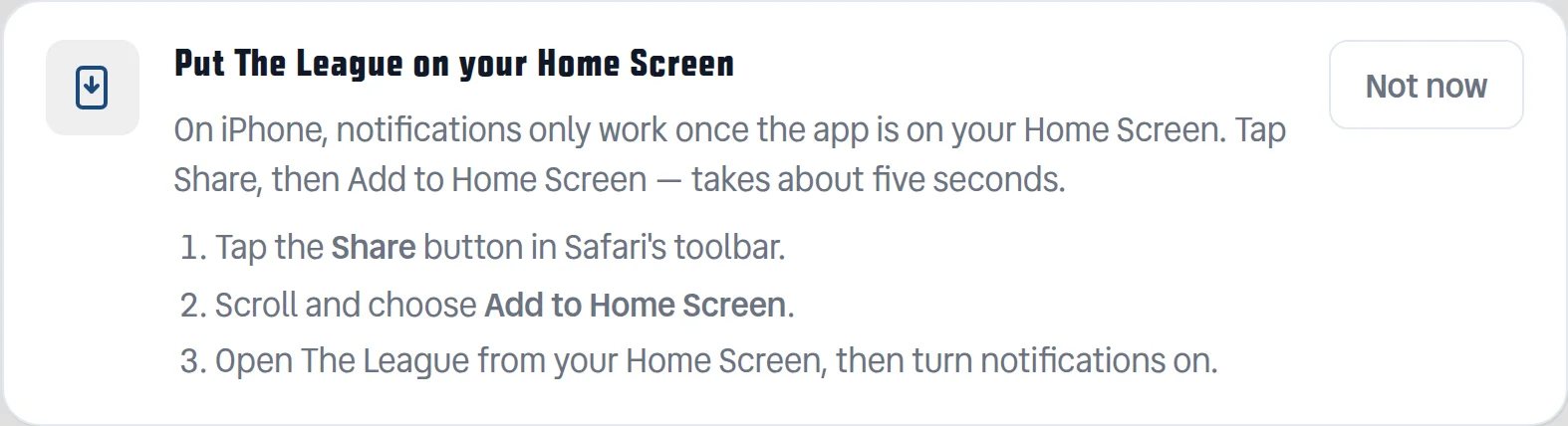
So now it says so. If you're on an iPhone, a card at the top of the page walks you through the five seconds it takes — Share, then Add to Home Screen — and on Android and desktop there's just a button that installs it. Either way you end up with an icon, and the icon is where this gets good.
It carries a number. Not a notification count — an actual to-do count, and only for things you can go do something about. A trade somebody has offered you and you haven't answered. A lineup with an empty slot or a starter on bye, from the day before the Thursday game until the Sunday slate kicks off and the point becomes moot. An open Owners' Poll ballot you haven't cast. Answer the trade, fix the lineup, vote, and the number goes away on its own. Trades you proposed don't count, because there is nothing you can do about those but wait, and a badge you can't clear is just a red dot you learn to ignore.
One caveat, and it is Android's, not ours. Android does not let a web app put a number on its own icon — Chrome has never shipped that, so there is nothing to turn on. What Android does do is add a dot to the icon by itself whenever a notification is waiting, which covers the same ground with less precision. The count is an iPhone and desktop thing. If you're on Android and your icon looks bare, that's Android, and your notifications are still doing the real work.
Deliberately not counted: Schefter. He files all day and he'd have that icon lit permanently by Tuesday, which would teach everyone to stop looking at it — and then the lineup one wouldn't work either.
Long-press the icon and you get four shortcuts straight past the homepage: Set Lineup, Live Scores, My Roster, Schefter. And the app now shows up in your phone's share sheet, pointed at the tip line — so when you see a post about somebody's rookie, you share it straight to Schefter instead of copying a link between apps. It fills in the box and waits. Nothing gets filed until you pick a topic and hit send.
None of this changes the website. Everything you already do in a browser still works exactly the same. It's just that the version with the icon knows how to interrupt you.
Message